OPTIONDATA RANGES
ONE FORMULA FOR YOUR WHOLE LIST OF CONTRACTS
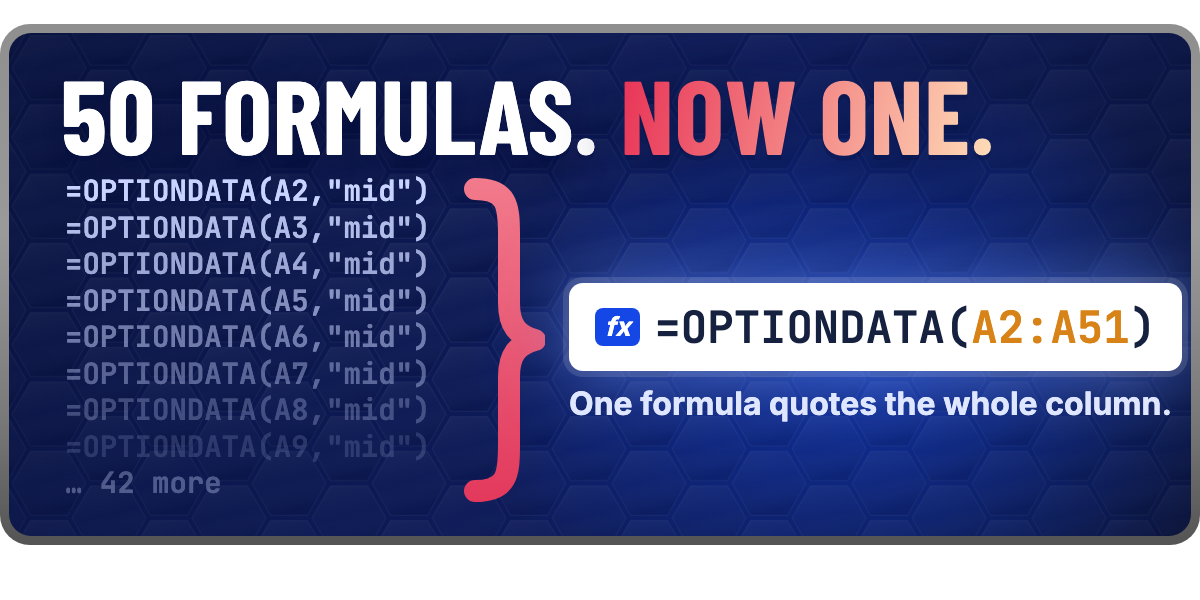
Until this month, 50 option contracts in a sheet meant 50 OPTIONDATA formulas, one per row, each with its own request. Now one formula quotes the whole list:
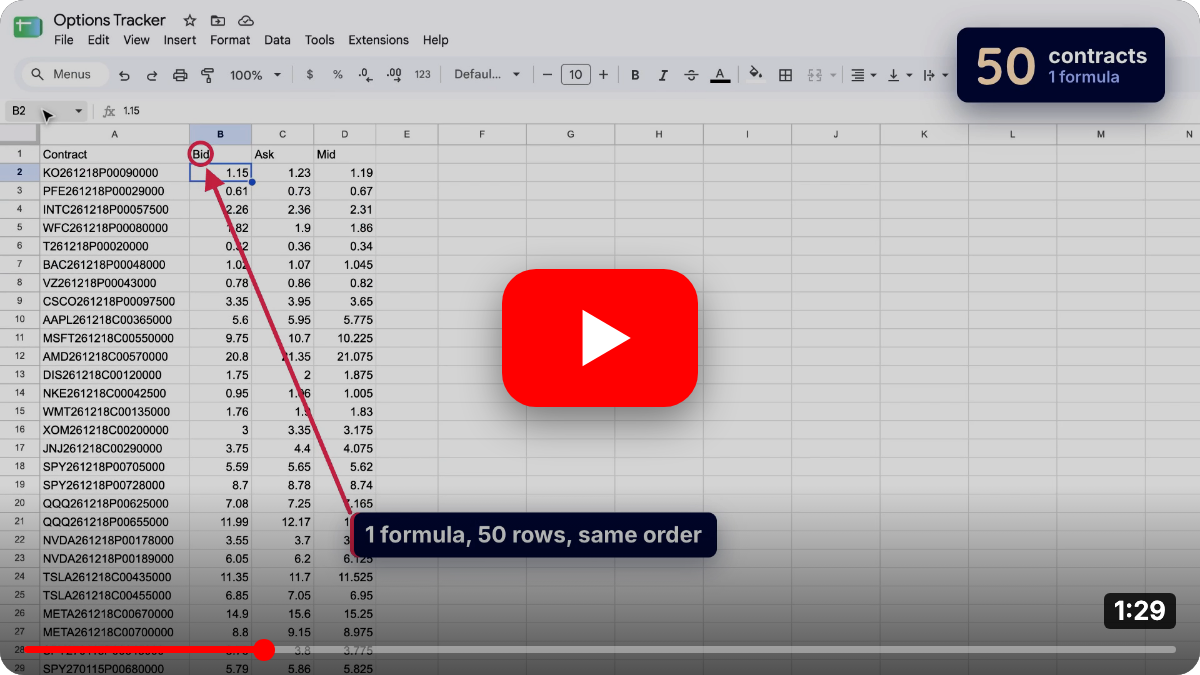
=OPTIONDATA(A2:A51, "bid,ask,mid")Give OPTIONDATA a column or a row of OCC symbols, or a comma list, and it returns one row for each contract, in the same order as your cells.
NO SYMBOLS? USE A TABLE
If your sheet keeps each contract as a ticker, an expiration, a strike and a side in four columns, OPTIONDATA reads that table as it is. One contract per row, columns in any order:
| A | B | C | D | |
|---|---|---|---|---|
| 2 | AAPL | 12/17/2027 | 250 | call |
| 3 | AAPL | 12/17/2027 | 250 | put |
| 4 | MSFT | 12/17/2027 | 500 | call |
=OPTIONDATA(A2:D4, "symbol,mid")A contract we can't quote, because it expired or has a typo, keeps its place, and the other columns stay blank. Every other row still fills in, lined up with your cells.
In the Formula Builder, the OPTIONDATA form has a Multiple Symbols tab that takes a range or a table. See the OPTIONDATA docs for the details, such as one historical date per multi-contract formula.
OPTIONCHAIN FROM A PAST CLOSE
OPTIONCHAIN has a sixth argument: a quote date. Give it a past trading day and you get the chain as it closed that day. This formula returns the AAPL puts with strikes from 200 to 250, at the expiration closest to 45 days out, as they closed on September 1, 2026:
=OPTIONCHAIN("AAPL","strike,bid,ask","45 DTE","200-250","puts","09/01/2026")Write "last session" in place of the date for the most recent close:
=OPTIONCHAIN("AAPL","strike,bid,ask","45 DTE","200-250","puts","last session")Historical chains are end-of-day only, the greeks are blank, and how far back you can go depends on your plan. The OPTIONCHAIN docs have the full list.
2 MINUTE TUTORIAL
ALSO NEW SINCE JULY
- Holiday expirations: OPTIONCHAIN now returns contracts that expire on early-close days, such as the day after Thanksgiving. Before, those chains came back empty.
- Date cells: a date cell in an options formula now means that day in New York. Before, some historical requests read it as the day before.
- Clearer sign-in messages: when Google's daily fetch limit runs out, or our server has a problem, the sidebar now says so. Before, it showed "No Account Found".